
Masterclass: Claude Code for Business
Hand real work to Claude Code and keep control of every step: in one day you build three working automations on your own laptop.
- Next Start
- Frankfurt, 24 November 2026
- Price
- 2,490 EUR
Claude Code is the coding agent from Anthropic, and it works in a folder on your own laptop. You describe a task in plain language, and the agent reads your files and writes and runs the code until the result is ready. A report you used to assemble by hand becomes a script that you run again next week with one command.
The masterclass gets you to that point within a single day of hands-on work. You build on your own laptop for most of the day, and the instructor helps at every exercise, so the first error message stops nobody. You go home with Claude Code installed, three automations that work and team rules you can use the next morning.
Book the masterclass
One day of hands-on work on your own laptop: you learn Claude Code on sample data and take a sales report, a contract check and a bank reconciliation home as working scripts. The masterclass is an independent training and is not affiliated with Anthropic.
- Duration
- 1 Day
- Language
- German or English, depending on the participants of each date
- Format
- In-person
- Type
- Training
- Laptop
- Bring your own laptop with the rights to install software on it.
- Certificate
- Attendees receive a certificate of participation after completing the full masterclass day.

Who the training is for
The masterclass is for people who spend their working day with spreadsheets and exports and want those hours back. Participants come from finance, sales, marketing, operations, HR and consulting, and founders who run a company without an IT department join them. Team leads get the answers they need to decide whether their department should use a coding agent.
You need no programming experience to follow the exercises of the masterclass day. If you work with Excel and are ready to type a few commands in a terminal window, you bring everything the masterclass asks for. The first hour covers installation and the few commands you need for the rest of the day.

What you take home
You learn to describe a task so that Claude Code can carry it out, and to check the result before anyone relies on it. You give the agent a folder of sample data, let it write a script, read the script with the instructor and run it again on the files of the following month.
Then you turn single tasks into workflows that you can start again every week. You save a procedure as a skill, let subagents split a large task into parts and connect the agent to company tools through the Model Context Protocol (MCP). You also write the rules that keep the agent in check: a CLAUDE.md file for your team, limits on the commands it may run and a hook that stops a change before it reaches a shared file.
Training topics
The topics take you from the first installation to workflows with several agents and to the rules a company expects before the agent touches real data.
- what Claude Code is and how it differs from a chat assistant
- installation, login and a first session in the terminal
- Claude plans, API keys and cloud providers compared
- describing a task so the agent can carry it out
- reading and checking code you did not write
- turning a manual Excel routine into a script you can rerun
- cleaning and merging CSV and Excel exports from CRM and ERP systems
- reports and slide drafts from internal data
- research summaries from public documents and websites
- checking contracts and documents against a rules list
- bank statement to general ledger reconciliation
- workflows that run in the background without a person at the keyboard
- subagents that split a large task into parts
- managing several agents as a small virtual team
- CLAUDE.md files with the rules of your team
- skills for procedures the team repeats every month
- hooks that block an action the agent must never take
- permission modes and managed settings for an organization
- MCP connectors to company tools and data sources
- data protection, the GDPR and the EU AI Act
- review, the four-eyes principle and audit trails
- typical mistakes when a team starts with coding agents
- a one-page usage policy for your department
Exercises with business data
Every exercise uses sample data that comes with the course, so you practice on realistic files without bringing client or company data into the room. The files look like what a company collects every week: a CRM export with open deals, an invoice list, supplier contracts as PDF, a bank statement and an extract of the general ledger.
In the reporting exercise, the agent merges the CRM export with the invoice list and drafts a weekly sales report with a chart. In the document exercise, it checks the supplier contracts against a list of rules and flags every contract without a notice period or liability clause. In the finance exercise, it matches bank transactions to ledger postings and explains each difference it finds.
After each exercise, you read the code the agent wrote, change one assumption and run it again. By the end of the day you know which parts of your own week you can hand to the agent.
Outcomes
Agenda and Learning Path
The morning covers installation, the first session and the document exercise. After lunch, participants build the sales report and the reconciliation, then turn one of them into a workflow with a skill and subagents. The last hour covers the CLAUDE.md file, the permission settings, a hook for the team and open questions from the group.
Certification
Participants receive a certificate of participation after completing the full masterclass day. The certificate documents a full day of hands-on training with Claude Code on business data. For a formal certification by Anthropic, the Claude Certified Architect Foundations exam is the route.
Requirements
Participants bring their own laptop with macOS, Windows or Linux and the rights to install software on it. Claude Code needs a Claude Pro, Max, Team or Enterprise plan, or an account in the Claude Console. Company laptops often block new software, so a private laptop or a company device cleared by IT works best.
Language
The masterclass is held in German or in English, depending on who has booked a date. Participants can write to the team about their preferred language before the course.
Independence from Anthropic
The masterclass is an independent training by Finance Loop and is not affiliated with, endorsed by, or sponsored by Anthropic. Claude and Claude Code are trademarks of Anthropic, and the course uses the names only to say which software it teaches.
After the masterclass
Participants who want to keep building can join Claude Hacker House, the Finance Loop series for people in business and finance who build with Claude. The overview of Claude Code in Frankfurt describes how platform teams in banks set up the tool for developers.
Locations and Schedule
The masterclass runs in Frankfurt, Berlin and Hamburg on the following dates:
- Frankfurt, Germany: 24 November 2026 Add to cart
- Berlin, Germany: 27 January 2027 Add to cart
- Hamburg, Germany: 26 February 2027 Add to cart
- Frankfurt, Germany: 18 March 2027 Add to cart
Please talk to the team if the timing or schedule do not work for you.
The masterclass is an independent training by Finance Loop and is not affiliated with, endorsed by, or sponsored by Anthropic.
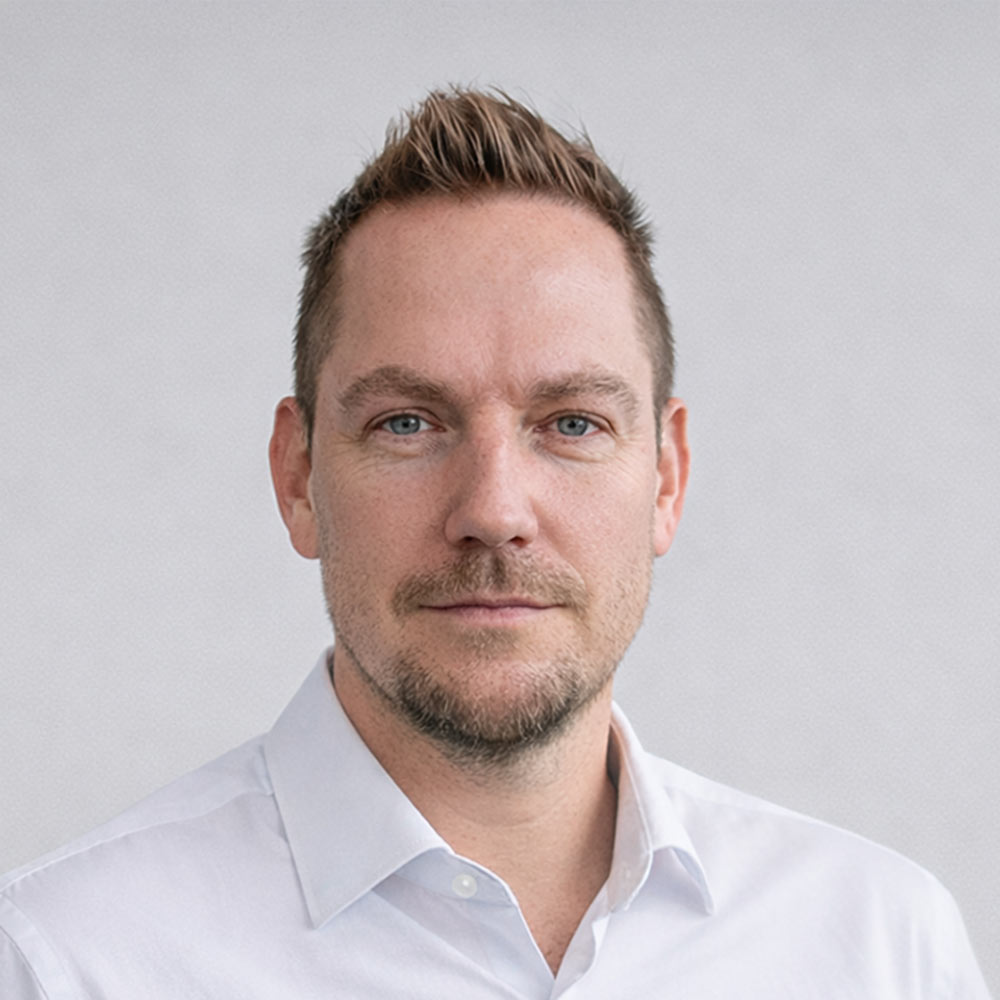
Instructor and organizer
Michael Wutzke is a technology strategist with more than 20 years of experience in IT and a Senior Consultant at Gateflow. His work covers data platforms, APIs, cloud infrastructure and the modernization of existing systems, including IT projects at the insurance company Policen Direkt from 2016 to 2021.
The masterclass is a training format from Finance Loop, a professional network for emerging technologies in finance.
Companies can also book the masterclass as an in-house workshop for their own team. Write to team@finance-loop.net for the details of an in-house workshop at your company.