
Replace Excel with a web application
Replacing Excel with a web application moves a defined business workflow from editable cells into an application with agreed data rules. The work includes understanding the calculations and exceptions that employees have accumulated in the workbook, including rules that have never been written elsewhere.
For a small company, a useful replacement preserves the information and decisions that employees actually need. The project should compare a corrected spreadsheet setup with available software before commissioning a new application, then test any replacement against representative records and expected results.
Check whether the workbook can remain
Excel supports co-authoring under documented conditions, so simultaneous editing alone does not determine the replacement decision. Check the actual problem, including who may change an approved amount and whether an employee can trace the previous value. Retaining Excel can remain suitable for individual calculations or occasional analysis outside the operational workflow.
Extract the rules hidden in formulas
Choose completed examples with known results, including a correction made after approval. Record which values were entered manually and which were calculated, then ask the process owner to explain any exceptions. For example, a commission calculation might use a different rate after a contract change; the replacement needs the applicable date and a demonstrable expected result.
Define records and permissions before importing
Give each business record a stable identifier and decide how the application represents related customers or contracts. Specify permitted corrections and approval responsibilities before designing the input form. The business application planning guide explains the wider commissioning decision; this migration also needs examples of rejected input and conflicting changes to the same record.
Reconcile a trial import with the workbook
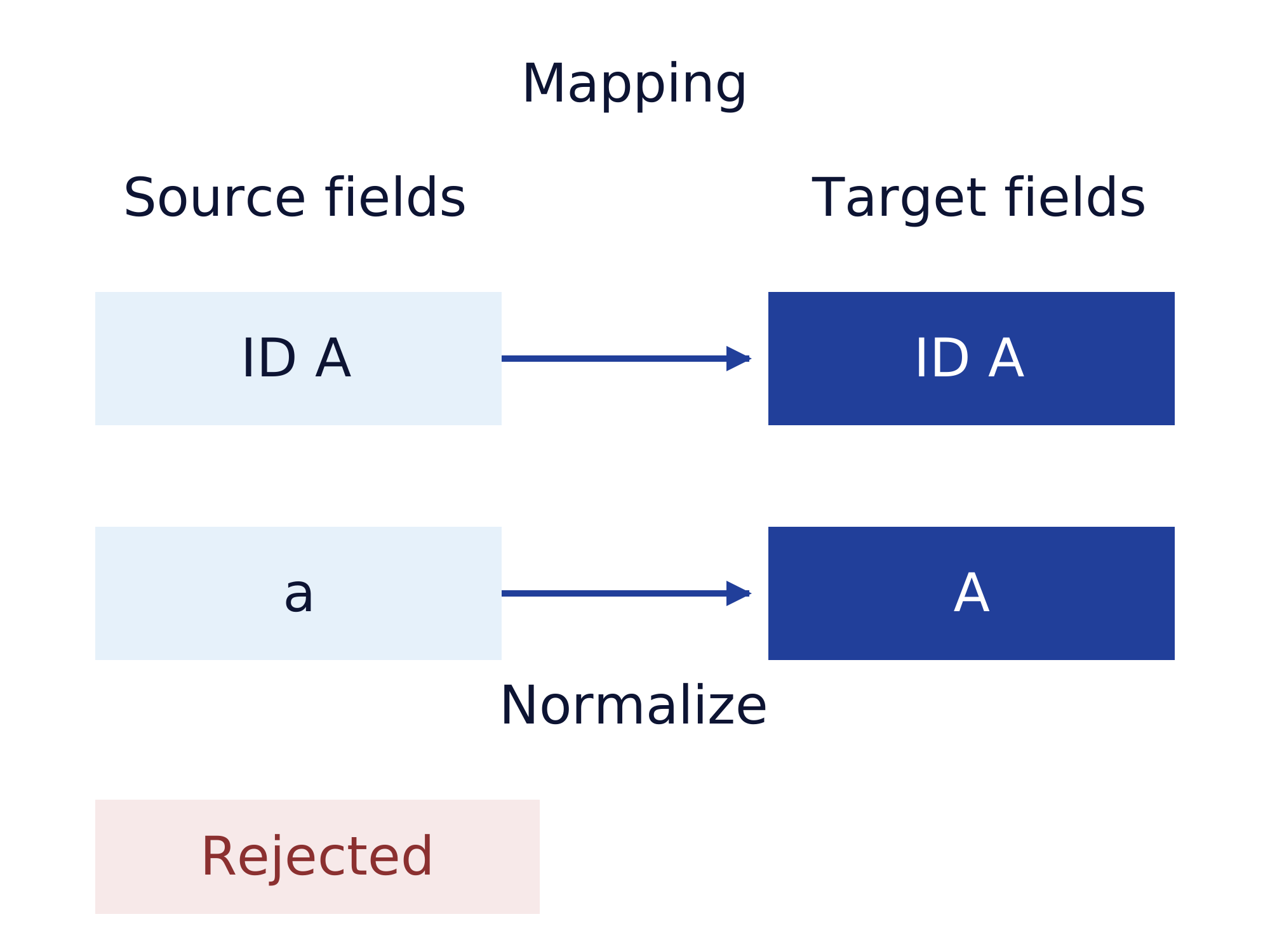
A trial import should show which source rows became application records and which rows need review. Compare record counts and relevant totals, then repeat the agreed calculation examples in the new application. Preserve the workbook used for comparison and document every accepted difference. The data migration guide covers field mapping and the decision to proceed with the final transfer.
Choose the operational source after cutover
Name the final editing point in the workbook and decide where subsequent corrections must be made. If an Excel export remains necessary, explain whether the export is a report or an input that the application will import again. Acceptance should include that round trip when reimport is intended, together with operating instructions and responsibility for later changes to calculation rules.
Assessing a project with Gateflow
Gateflow develops custom business applications for defined workflows and assesses existing products before commissioning a new build. A small company can ask Gateflow to examine the workbook rules and scope the application and any required data migration. The customer supplies representative calculations and approves the reconciled records before the operational switch.
Gateflow is based in Frankfurt and focuses these services on Germany, Austria and Switzerland. Delivery location and any travel are agreed for the individual project, together with availability and the people needed for acceptance. Describe the existing application and the desired result when contacting Gateflow, so the initial discussion can define an assessment or first development stage.
Software decisions and Finance Loop
Finance Loop publishes independent guidance for professionals evaluating technology in finance and related business operations. Finance Loop is a European professional network that connects people across countries, while the named implementation provider agrees and delivers the technical assignment directly with the customer.